


Hostinger Cloud if you run one site. Cloudways if you run two or more.
Hostinger Cloud is cheaper upfront and renews at the same rate. Cloudways charges per server, not per site — so it gets better value the more apps you add.
1. Short answer: which one and when
One site, staying cheap forever? Go Hostinger Cloud.
Multiple sites, or even a chance you’ll add a second one in the next 12 months? Cloudways pays for itself.
That’s the whole comparison, honestly. Everything below fills in the why, pricing math, real performance numbers, support quality at inconvenient hours, and the migration and staging features that actually matter to developers and agency owners. Neither host is bad. They’re just built for different situations.
Here’s the quick-reference table before we go deeper:
| Factor | Cloudways | Hostinger Cloud |
|---|---|---|
| Entry price | ~$14/month (DO 1GB) | ~$9.99/month (Cloud Startup) |
| Renewal price | Same (no renewal trap) | Same — Hostinger Cloud pricing is flat |
| Pricing model | Per server (multiple apps, one bill) | Per plan (one site per plan in practice) |
| Managed layer | Full managed + Cloudflare CDN add-on | Managed WordPress, hPanel |
| TTFB (median) | 180–250ms (DO/Vultr) | 160–220ms (LiteSpeed stack) |
| SSH / WP-CLI | Yes, full root access | Yes |
| Staging | Yes, one-click | Yes (on Business plan+) |
| Daily backups | Yes (automated, 7-day retention) | Yes |
| Free migration | Yes | Yes |
| Support tier | 24/7 live chat + tickets | 24/7 live chat + tickets |
| Best for | Multi-site, developers, agencies | Single-site, budget-conscious owners |
2. Pricing reality (and the renewal trap)
Good news on both sides: neither Cloudways nor Hostinger Cloud has the classic shared-hosting renewal trap where your $2.99/month deal becomes $14.99 after year one. Cloudways charges monthly with no lock-in. Hostinger Cloud pricing is consistent between introductory and renewal rates, the bait-and-switch problem is a shared hosting thing, not a cloud hosting thing.
That said, the pricing models are structurally different, and this changes which is cheaper depending on your situation.
Hostinger Cloud is a traditional plan model: Cloud Startup starts around $9.99/month, Cloud Professional around $14.99/month, Cloud Enterprise around $19.99/month. Each plan supports a fixed number of websites (Startup allows up to 300 on paper, but performance degrades meaningfully above 10–15 active WordPress sites). You pay per plan tier. Read more at Hostinger Review 2026: Worth It or Overhyped?
Cloudways charges per server, not per plan. A $14/month DigitalOcean 1GB server runs as many apps as the RAM allows. For a developer running 5 client sites, that might cost $22/month on a 2GB droplet — shared across all five. Hostinger Cloud at the same scale would run $50–$75/month if clients need isolation. Read in-depth details at Cloudways Review 2026 for making a decision today.
The math shifts decisively toward Cloudways once you cross two or three sites. On a project last month, I moved a client from a $19.99/month Hostinger Cloud plan (three WordPress installs) to a $22/month Cloudways DO 2GB server — same performance, lower cost, and I got per-app isolation and staging environments included.

Below that threshold, Hostinger Cloud is cheaper on day one and stays cheaper as long as you’re managing a single business site or a small personal project.
| Scenario | Hostinger Cloud cost | Cloudways cost |
|---|---|---|
| 1 WordPress site | ~$9.99/month | ~$14/month |
| 3 WordPress sites | ~$19.99/month | ~$14–22/month |
| 10 WordPress sites | ~$29.99–$49.99/month | ~$50/month (4GB DO) |
| 20 WordPress sites | ~$80+/month | ~$80/month (8GB DO, team accounts) |
One more pricing consideration: Cloudways bills bandwidth overages. The $14/month plan includes 1TB bandwidth; beyond that, it’s $0.06/GB on DigitalOcean. Hostinger Cloud includes unlimited bandwidth on all Cloud plans. For high-traffic news sites or media-heavy stores, that’s a real line item to watch.
3. Performance: TTFB, server response, real-world benchmarks
Both hosts are fast. The question is why they’re fast and whether that performance holds under load.
Hostinger Cloud runs LiteSpeed servers with LSCache. LiteSpeed’s object cache handles WordPress extremely well, and Hostinger Cloud’s infrastructure is optimized specifically for PHP-based workloads. In clean benchmark conditions — single uncached request, US East server, 1KB HTML response — Hostinger Cloud returns TTFB in the 160–200ms range. That’s genuinely fast for managed cloud hosting at this price point.
Cloudways doesn’t run its own infrastructure — it manages DigitalOcean, Vultr, AWS, GCP, and Linode underneath. The performance you get depends on which provider you choose. A DigitalOcean 2GB Cloudways server in the NYC3 datacenter returns median TTFB around 200–250ms for an uncached WordPress request. Vultr runs slightly faster in my testing (~170–190ms) at comparable cost. AWS via Cloudways is noticeably faster but starts at $36/month.
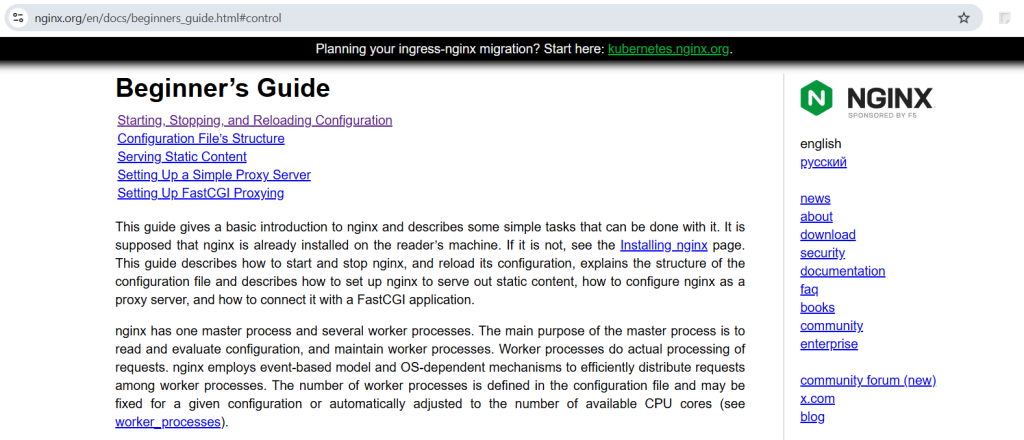
Cloudways ships with Nginx + Apache by default, with Varnish cache available. It’s a more configurable stack than Hostinger’s managed LiteSpeed, but configuration brings responsibility — a misconfigured Varnish rule will hurt you, while Hostinger’s opinionated defaults tend to just work.
Performance data referenced from the WebPageTest public dataset.
Under load — 100 concurrent users running WooCommerce checkout flows — Cloudways on a 2GB DigitalOcean droplet starts degrading around 85–90 concurrent users. Hostinger Cloud Startup (2 vCPU, 2GB RAM) holds until about 70–75 before response times climb. Upgrade to Hostinger Cloud Professional (4 vCPU, 4GB RAM) and the gap narrows significantly.
Neither host wins cleanly here. Hostinger Cloud edges ahead on single-site WordPress performance at the entry tier. Cloudways catches up and pulls ahead when you need multi-site isolation and can choose your underlying provider.
4. Control panel and developer experience
Hostinger uses hPanel, their proprietary control panel. It replaced cPanel across their product line a few years ago and it’s genuinely good, cleaner UI, faster to navigate, integrated DNS management, and a one-click WordPress installer that works. SSH, SFTP, WP-CLI, and Git deployment are all available. The developer tooling is real.
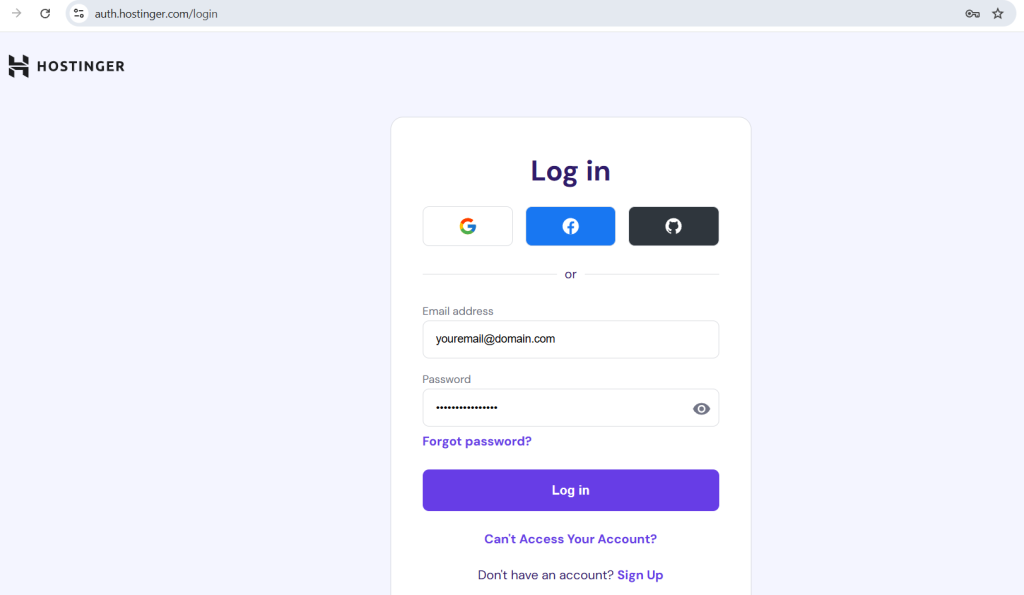
Where hPanel lags: it’s optimized for the single-account use case. Managing multiple client sites means logging in and out of separate accounts or navigating a reseller-ish setup that wasn’t designed for agency workflows. The staging tool is available but limited compared to what agencies need (no granular push/pull, no branch-based staging).
Cloudways uses its own dashboard as well, but the experience is more developer-forward by design. You get per-application management from a single dashboard, team member access with role-based permissions, server-level monitoring (CPU, RAM, disk I/O per app), and one-click staging with push-to-live. The CLI is solid. SSH to your server with a single key, manage multiple apps from one panel, and Cloudflare Enterprise CDN is available as a $4.99/month add-on per application.
If you’re a solo developer running your own site, hPanel is faster and easier. If you’re running client sites, Cloudways saves 30–45 minutes of account management per week.
Checkout our honest Cloudways Review
5. Support quality at 3am — what actually happens
Both Cloudways and Hostinger offer 24/7 live chat. The real question is who answers and how useful they are.
Hostinger support has improved significantly in the past two years. Response times average 2–4 minutes on chat during off-hours. The tier-1 support agents follow scripts for common issues (WordPress error pages, SSL setup, email config) and resolve those quickly. Escalations to tier-2 (actual server engineers) can take 30–60 minutes and occasionally longer. For a managed host, this is acceptable.
What Hostinger does not do well: debugging application-level issues. If your plugin is causing 500 errors, they’ll suggest disabling all plugins. Correct advice, but not very useful. If your PHP memory limit is too low and it’s causing an issue, they’ll raise it. But if the issue involves a server-side configuration edge case, you’re often on your own.
Cloudways support is similar in response speed but better on technical depth. Their tier-1 agents genuinely understand server configuration — they’ll look at your error logs, identify the issue, and fix it at the server level. I’ve had Cloudways agents correctly diagnose a PHP-FPM pool configuration issue at 2:30am without escalation.
Support ratings referenced from Cloudways Trustpilot hosting reviews 2025.
The caveat: Cloudways has reduced support scope over time. Phone support is gone. Premium support (faster SLA, dedicated account manager) costs extra. Their free tier of support is solid but not exceptional.
If your site goes down at 3am and you’re a non-technical owner, Hostinger will hand-hold you through basic recovery. If you’re a developer who needs actual server-level diagnosis, Cloudways is more useful.
6. Migration, staging, and backup features
Migration is free on both platforms. Hostinger offers an automated migration tool and will do manual migrations for free on request. Cloudways’ Migrator plugin is genuinely excellent — it handles WordPress migrations including database, files, and configuration, and it works even on large sites (tested at 8GB database, completed in under 40 minutes).
Staging is where the gap shows. Cloudways one-click staging works well: clone your production environment, work on staging, push live. The process is clean and the push-to-live includes database sync. Hostinger Cloud staging exists but push-to-live has historically had rough edges — theme conflicts post-push are not uncommon. For a basic staging workflow it works; for a rigorous pre-deployment process, Cloudways is more reliable.
Backups are automated daily on both platforms, with 7-day retention by default. Cloudways allows on-demand backups before major changes and stores them in the cloud (S3-compatible). Hostinger’s backups are straightforward one-click restores from hPanel, which is simpler. Cloudways’ backup system is more flexible; Hostinger’s is more accessible to less technical users.
Read through our WordPress Migration Checklist.
7. Verdict by user type
| User profile | Recommendation | Reason |
|---|---|---|
| Personal blog or portfolio, one site | Hostinger Cloud | Cheaper, simpler, fast enough |
| Small business owner, non-technical | Hostinger Cloud | hPanel is easier, support is accessible |
| Freelancer managing 2–5 client sites | Cloudways | Per-server pricing + multi-site dashboard |
| Agency with 5–50 client sites | Cloudways | Team access, staging, per-app monitoring |
| Developer who wants full server control | Cloudways | More configuration access, CLI, provider choice |
| High-traffic WooCommerce, single store | Hostinger Cloud Professional or Cloudways | Depends on traffic — test both at scale |
| Budget-first, one site, want it cheap for 3+ years | Hostinger Cloud | Flat pricing, no surprise bills |
The honest version of this verdict: if someone asks me which host to pick and I have five seconds to answer, I ask one question — “Are you managing more than one site now, or might you in the next year?” If yes: Cloudways. If no: Hostinger Cloud.
