

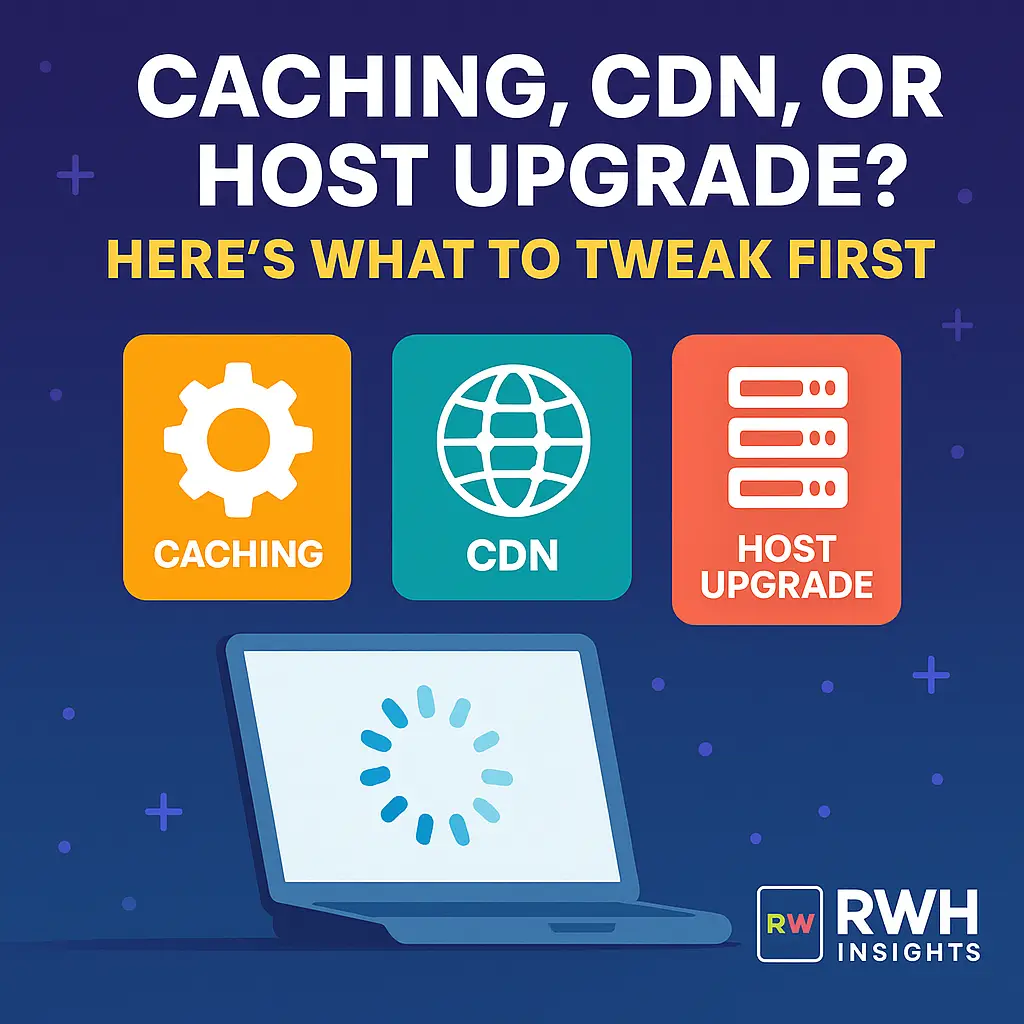
Introduction
Site running slow? You’re not alone. But before you rush to upgrade your hosting plan (and double your monthly bill), let’s ask:
“Is it really the host — or something else?”
In most cases, performance issues stem from misconfigurations, not underpowered servers. Here’s a smart breakdown of what to tweak first — and when it’s truly time for a host upgrade.
⚡ Start Here: Caching
Caching is the first line of defense against slow load times. Done right, it reduces server load and makes your site feel instantly snappier.
Types of Caching to Use:
- Page Caching – Saves full pages for repeat visitors (e.g., WP Super Cache, LiteSpeed Cache)
- Browser Caching – Tells visitors’ browsers to reuse files (CSS, JS, fonts)
- Object Caching – Stores frequently accessed database queries (e.g., Redis, Memcached)
- Opcode Caching – Stores precompiled PHP for faster execution
🔧 If your site uses WordPress and you haven’t enabled caching, that’s priority #1.
🌐 Then Consider: CDN (Content Delivery Network)
A CDN distributes your content across global edge servers, so users load data from a nearby node — not your origin server.
Benefits:
- Faster image & script delivery
- Reduced bandwidth on your server
- Better performance for global users
- Helps block DDoS attacks
Popular CDNs:
- Cloudflare (free and easy to integrate)
- Bunny.net (budget-friendly and blazing fast)
- StackPath or KeyCDN
💡 Even small sites benefit from CDNs, especially if you serve media or visitors from multiple regions.
🖥️ Still Slow? Now Reevaluate Hosting
After caching and CDN, only then should you consider your hosting plan as the culprit.
Signs You’ve Outgrown Your Host:
- You’re maxing out CPU/RAM usage consistently
- Spikes in traffic cause 5xx errors or crashes
- Support blames “plugin overload” but doesn’t help
- Load times still high after caching/CDN
🧠 Note: Some shared hosts throttle resources behind the scenes — even on “unlimited” plans.
✅ Quick Optimization Checklist
| Area | Actionable Fix |
|---|---|
| Images | Compress & serve as WebP (via ShortPixel, etc.) |
| Fonts | Use system fonts or host locally |
| Plugins | Remove unused ones, especially heavy ones |
| Themes | Use lightweight themes (like Astra, GeneratePress) |
| DB Optimization | Clean up post revisions, spam, and transients |
🔁 Recap: Tweak in This Order
- Enable caching — Page + browser + object (if possible)
- Add a CDN — Especially for images, scripts, global traffic
- Optimize — Images, plugins, code
- Monitor usage — Use tools like GTmetrix, Query Monitor
- Upgrade host (only if needed)
Want someone to review your current setup? Our team at RightWebHost can give you a no-nonsense audit with real recommendations.
